Split PDF pages locally
Choose one PDF and select pages or ranges. Each comma-separated selection becomes one output PDF; leave the selection blank for one PDF per source page. JavaScript activates the local splitter on this page.
Free local PDF splitter
Choose one PDF, select pages or page ranges, and download a ZIP of new PDFs. Each comma-separated selection becomes one output file; leave the field blank for one PDF per page. The split happens locally in your browser without sending your document to an Aftermath server.
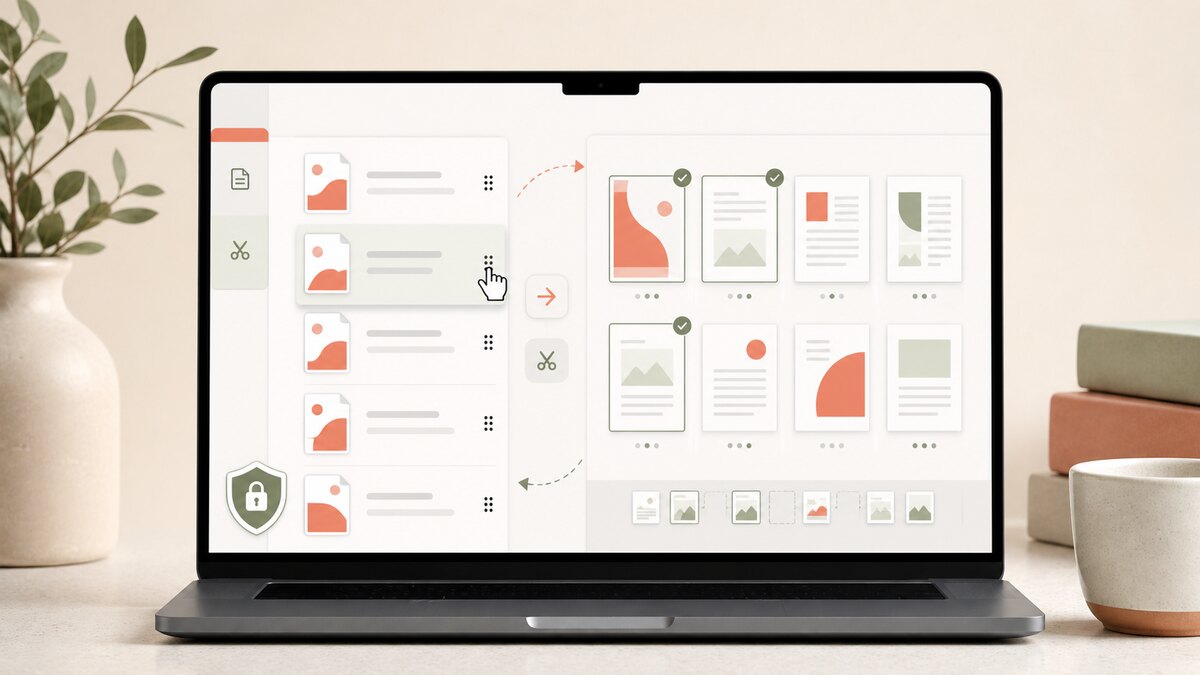
Choose one PDF and select pages or ranges. Each comma-separated selection becomes one output PDF; leave the selection blank for one PDF per source page. JavaScript activates the local splitter on this page.
Enter page numbers and ranges using a familiar format: 1-3, 5, 8-10. The tool validates the selection against the uploaded PDF’s page count and prevents duplicate source pages. Each comma-separated entry becomes one new PDF, so 1-3, 5 produces a three-page PDF and a one-page PDF. Leave the field blank to create one PDF per page.
Splitting is useful when a portal needs one page at a time or when you need to share a page range as its own PDF. The output is a ZIP so all new files download together while their source page numbers remain clear in their filenames.
Questions people ask
Yes. Enter one or more page numbers or ranges, for example 2, 4-6. Each comma-separated selection becomes one output PDF. Leave the page selection blank to create one PDF for every page in the source document.
No. It creates new PDF files in a ZIP. Your original PDF remains unchanged on your device.
A source PDF can contain up to 1,000 pages. For reliable in-browser ZIP creation, a split source must be 50 MB or less and one run can create up to 250 output PDFs. The practical limit can be lower on a device with limited browser memory.
No. The splitter rejects encrypted PDFs and PDFs containing interactive form or signature data so it does not make a broken or unverifiable download. Use an authorized flattened copy or a dedicated PDF application instead.
How it works · Privacy & ad choices · Terms of use · Contact