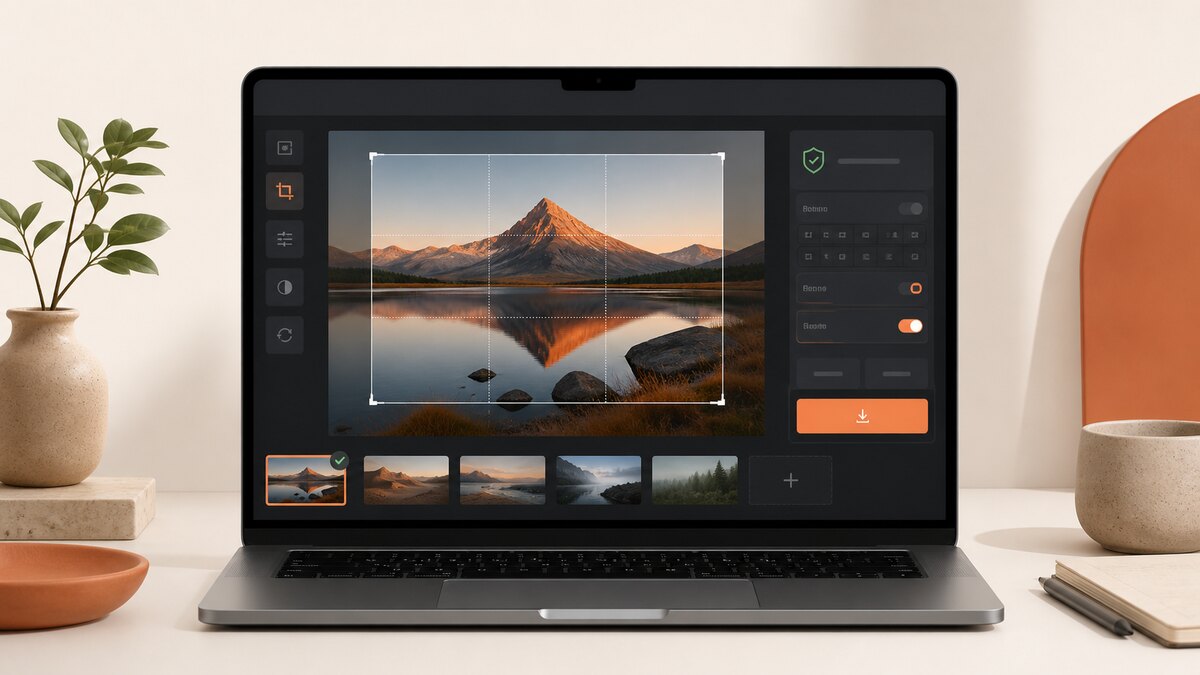
How Aftermath processes files and reviews sources.
Aftermath prepares images and PDFs in the browser, then lets you download a new result. This page documents the product boundary, the safeguards currently built into the tools, and how to flag an inaccurate requirement or explanation.
The image and PDF workspaces are separate browser tools. They create downloads from files selected in the current browser session.
When you choose a JPG, PNG, or WebP image, the image workflow decodes it in the browser, renders the requested canvas, encodes a new file, and reports the resulting dimensions and bytes. Selected image files are not sent to an Aftermath server for transformation. The source file is not overwritten; a processed result is offered as a separate download.
Exact output dimensions and byte checks are measured from the newly encoded browser result, not estimated from a quality setting.
Crop, fit, padding, rotation, output format, and quality are choices in the local image workflow.
A browser can still run out of memory or reject an unsupported source. The tool shows an error instead of silently claiming a successful output.
PDF merge, split, and overlays run in the current tab
The PDF workspace reads the selected PDF bytes in the current browser tab. Merging copies source pages into a new PDF in the order you set. Splitting packages new PDFs in a ZIP: leave the selection blank for one output per source page, or enter comma-separated pages or page ranges for one output per entry. The PDF editor can add new text boxes and freehand drawing as flattened overlays in a separate download; it does not rewrite existing PDF text. These file operations do not use an Aftermath server-side document job, and the original files are not altered.
Merge order follows the visible queue, which supports drag-and-drop and keyboard move controls.
Split accepts page numbers and ranges. A blank selection creates one output PDF per source page; each comma-separated selection creates one output PDF.
The editor adds text boxes and pencil strokes as permanent page-content overlays. It does not replace existing text, redact content, perform OCR, preserve forms, or preserve signatures.
Encrypted, permission-restricted, interactive-form, signed, malformed, or unsupported PDFs are not processed in the workspace. This prevents a broken or unverifiable output.
Working limits are safeguards, not promises
The current image renderer rejects a requested canvas above 32,767 pixels on either side or above 64 million total pixels. When no fixed output dimensions are supplied, very large images can be capped to a 24 million-pixel working budget. Browser and device memory can impose a lower practical limit.
The PDF workspace accepts up to 25 PDFs, up to 100 MB per file, and up to 300 MB across the selected batch.
It checks each input PDF for no more than 1,000 pages, limits a merge to 2,000 pages, and limits a split source to 50 MB and 250 output PDFs per operation.
The PDF editor accepts one flat PDF up to 25 MB and 50 pages, and limits a document to 100 additions (50 on one page), 500 characters per text box, 5,000 text characters total, bounded pencil points, 15 history snapshots, and a two-million-pixel preview canvas.
These are current application safeguards. They do not guarantee that every file, browser, or destination will accept a result.
How requirement sources are reviewed
Aftermath links platform-oriented presets to the relevant official documentation and records a last-verified date in its public source catalog. Those links explain where a preset came from; they are not a claim that Aftermath controls Apple, Google, YouTube, or any other destination’s acceptance rules. Check the current official rule before submitting a file.
A source link is shown with affected platform presets so the original requirement can be reviewed in context.
The public catalog identifies the source, the last-verified date recorded for it, and the part of the product that uses it.
When a source changes or is ambiguous, use the destination’s own documentation as the final authority.
Corrections and contact
To report an inaccurate requirement, explanation, or source link, email contact@aftermath.cc with the affected page URL, the authoritative source URL, and a short description of the correction. This gives the issue enough context to review without asking you to send the file you were preparing.
Questions people ask
Are selected image or PDF files uploaded for processing?
The image and PDF transformation flows process selected files in the browser and do not send them to an Aftermath server for a file-processing job. Opening a web page can still load normal site resources; see the privacy page for the separate privacy and advertising context.
Why can a browser-local file still fail?
A source can be encrypted, permission-restricted, interactive, signed, damaged, unsupported, or too large for available browser memory. The PDF workspace deliberately rejects form and signature data rather than creating a potentially broken output. The editor also bounds pages, file size, overlays, text, stroke points, history, and preview pixels so a failure is explicit rather than hidden.
Do preset requirements guarantee a successful submission?
No. Presets are practical starting points linked to official sources. Destination policies, eligible device groups, and upload checks can change, so you should verify the current rule with the destination before submitting.
How do I request a correction?
Email contact@aftermath.cc with the page that needs correction, an authoritative source link, and the specific change you believe is needed. Do not include a private file unless you choose to share one separately.
Source review
Official sources used by the product
These links are visible so the underlying documentation can be checked directly. Last-verified dates describe the recorded project review, not a promise that an external policy has not changed.