Choose a local PDF task
Merge flat PDFs in a chosen order, split selected pages or ranges into a ZIP, or add new text boxes and freehand drawing overlays. JavaScript activates the private browser workspace on this page.
Private browser PDF tools
Choose a PDF task, add your files, and download the result. Aftermath processes PDFs in the browser, so your documents stay on this device unless you choose to download the new file.
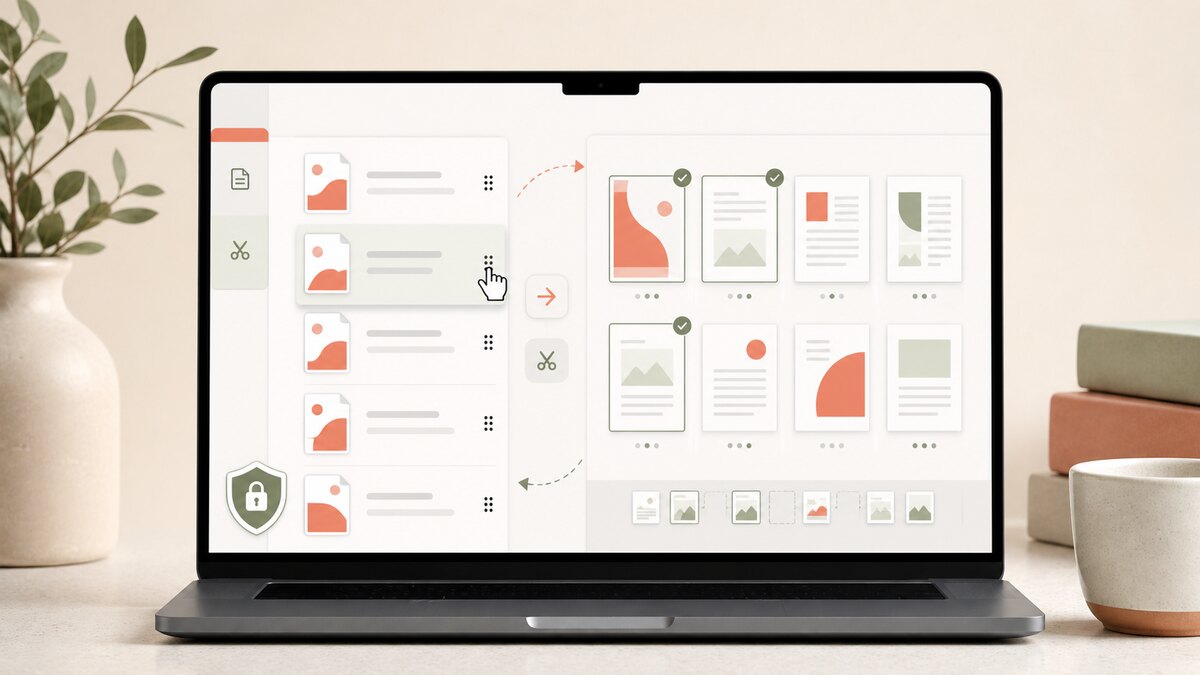
Merge flat PDFs in a chosen order, split selected pages or ranges into a ZIP, or add new text boxes and freehand drawing overlays. JavaScript activates the private browser workspace on this page.
Merge combines multiple PDFs into one document in the order you choose. Split reads one PDF and creates a ZIP with one new PDF for each selected page or comma-separated page range. Leave the selection blank to create one PDF per source page. Edit opens one PDF in a local review canvas so you can add text boxes and freehand drawing overlays. All three tools keep source files in the current browser session instead of sending them to an upload service.
For a merge, drag PDF rows into the exact output order or use the keyboard move controls. For a split, enter individual page numbers or ranges such as 1-3, 5, 8-10. Each comma-separated entry becomes one output PDF, while a blank selection creates one PDF per page. For an edit, place a new text box or draw with the pencil, then review the flattened result before downloading.
Questions people ask
No. Reading, merging, splitting, annotating, and ZIP creation happen in your browser. The app has no PDF upload endpoint, account storage, or server-side document job.
After the page and its local PDF code have loaded, the operations themselves do not need a network connection. You still need enough memory in your browser for the documents you select.
The workspace accepts up to 25 PDFs, up to 100 MB each and 300 MB across a selected batch. It checks up to 1,000 pages per input PDF, allows up to 2,000 pages in one merge, and accepts split sources up to 50 MB for up to 250 output PDFs per run. Browser memory can impose a lower practical limit.
No. To avoid creating a document with broken fields or unverifiable signature data, Aftermath accepts only flat, readable PDFs. It rejects encrypted or permission-restricted files and files containing interactive form or signature data. Keep the original and use an authorized flattened copy or a dedicated PDF application.
How it works · Privacy & ad choices · Terms of use · Contact