Merge PDFs locally
Add at least two PDFs and drag them into the output order. JavaScript activates the local merger on this page.
Free local PDF merger
Add two or more PDF files, drag them into place, and create one combined PDF. The merge runs in your browser, so your original documents are not uploaded to an Aftermath server.
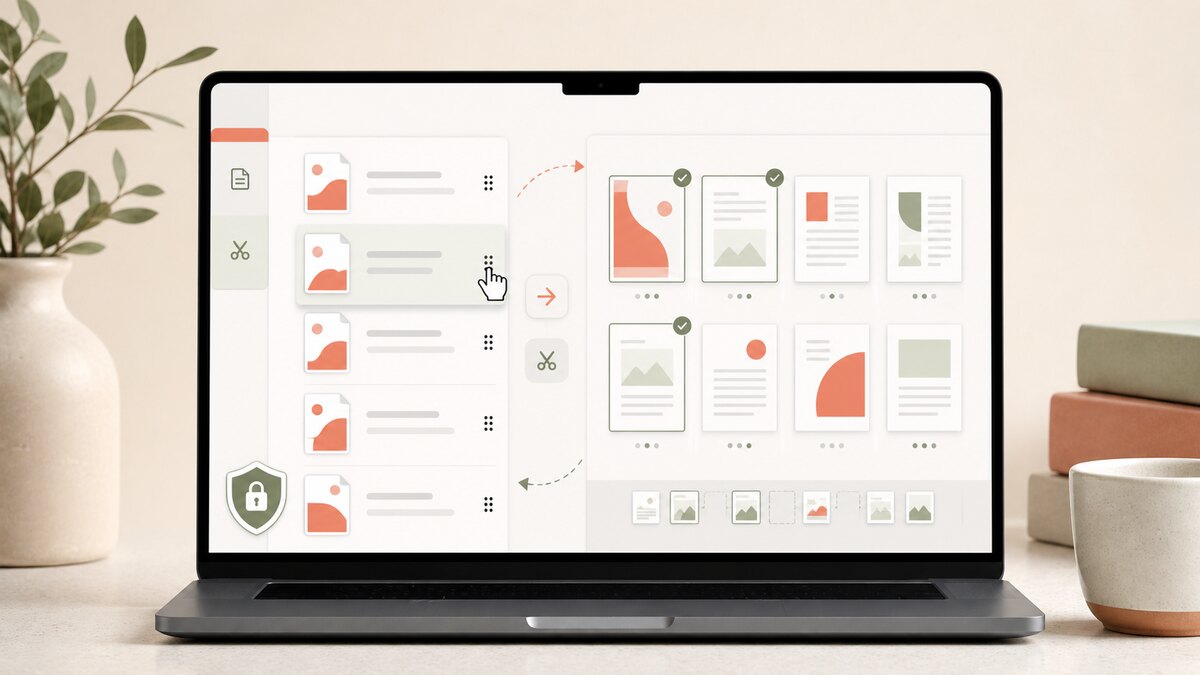
Add at least two PDFs and drag them into the output order. JavaScript activates the local merger on this page.
A merged PDF follows the queue from top to bottom. Drag a file row to a new position, or use its move buttons if you prefer a keyboard-friendly workflow. Each source file stays intact; Aftermath copies its pages into a newly created combined PDF.
Use merge when several flat PDFs need to become one ordered document, such as a cover page plus supporting pages or separate scan batches. Check page order before exporting because the tool preserves the order you set, not the order files happened to arrive from your device.
Questions people ask
No. The merger reads local copies of the files and creates a separate download. Your selected source files are not altered.
Yes. Drag rows into the intended order, or use the move up and move down controls. The final PDF uses that exact sequence.
The current browser workspace accepts up to 25 PDFs, up to 100 MB per file and 300 MB total. It allows up to 2,000 pages in the combined output, subject to the available memory in your browser.
No. The workspace rejects encrypted PDFs and PDFs containing interactive form or signature data instead of creating a potentially broken output. Use an authorized flattened copy or a dedicated PDF application, and keep the original.
How it works · Privacy & ad choices · Terms of use · Contact